منصة قطر للتعليم (Qatar Education Platform): Login, Services & Complete Guide 2026
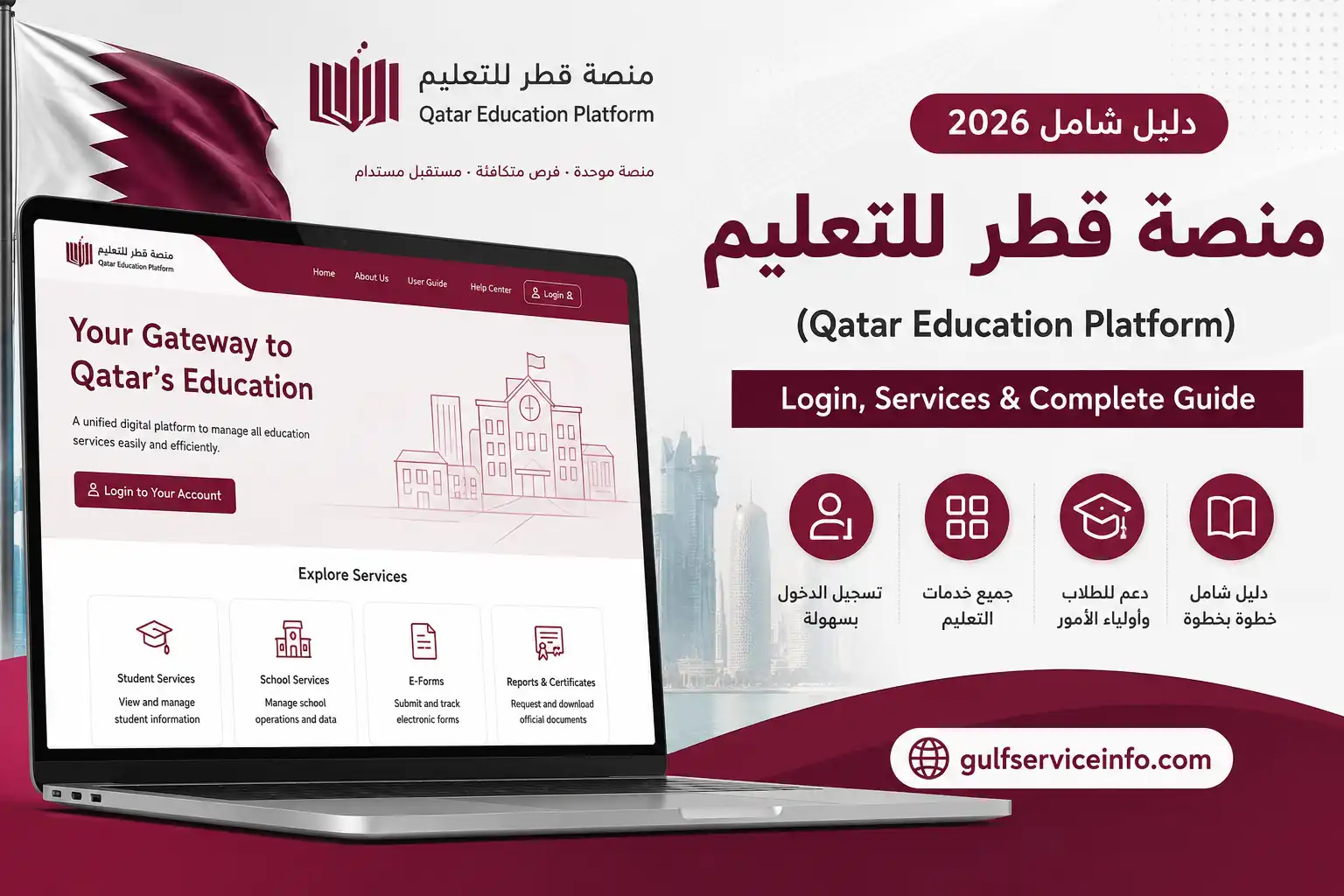
The Qatar Education Platform (منصة قطر للتعليم) is the Ministry of Education and Higher Education’s learning management system for Qatar’s government schools. It provides a digital environment where students, teachers, parents, school administrations, and educational supervisors can participate in different parts of the learning process.
The platform supports digital lessons, learning activities, assessments, communication, and other educational resources. According to the Ministry, the Qatar Education System was introduced across public schools and provides modern tools for teaching, learning, collaboration, assessment, motivation, analysis, and automation.
Explore more Qatar government services and helpful guides: Visit Our Homepage.
What Is منصة قطر للتعليم (Qatar Education Platform)?
منصة قطر للتعليم (Qatar Education Platform), commonly translated as Qatar Education Platform or Qatar Education System, is the Ministry’s digital learning environment for government schools.
The Ministry describes the system as a platform connecting the main participants in the educational process, including students, teachers, parents, school administrations, and educational supervisors. It is designed to support teaching and learning while also encouraging digital participation and student motivation.
The platform can be used for activities such as:
The official platform also provides separate guidance resources for students, including student login, understanding the student interface, browsing lessons, and solving assessments.
This makes منصة قطر للتعليم an important digital resource for students and families connected with Qatar’s government-school system.
منصة قطر للتعليم (Qatar Education Platform) Login
The منصة قطر للتعليم login process is straightforward when you already have an official username and password.
The platform’s current login page provides fields for the username and password and includes an option for logging in with official credentials. It also provides a password-instruction option for users who need help recovering their access.
How to Login to منصة قطر للتعليم (Qatar Education Platform)
Follow these steps to access your account:
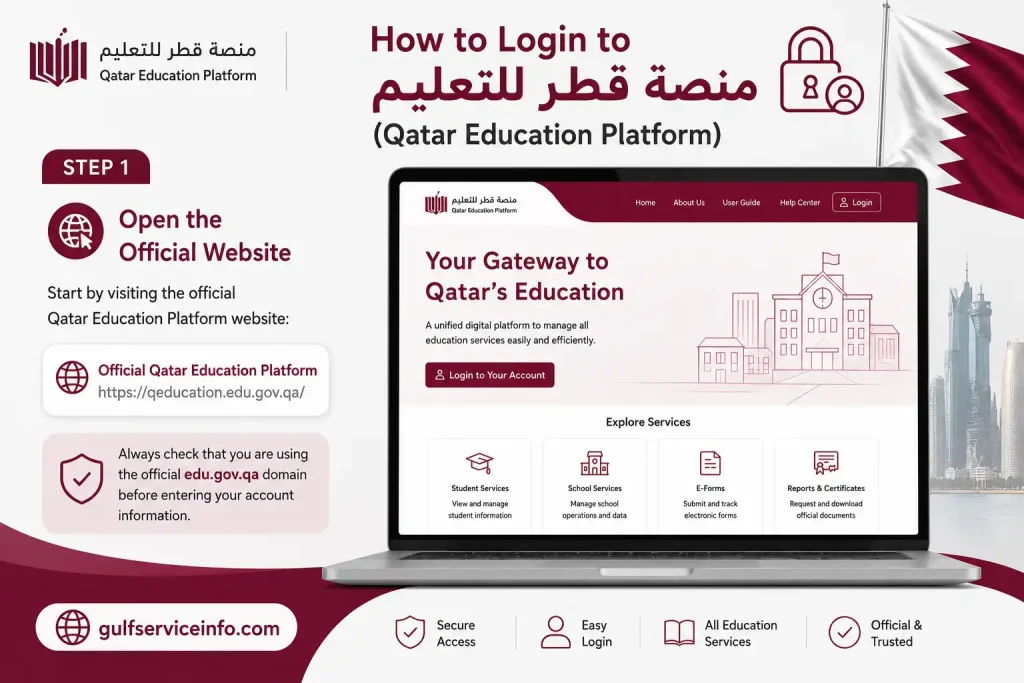
Step 1: Open the Official Website
Start by visiting the official Qatar Education Platform website:
Always check that you are using the official edu.gov.qa domain before entering your account information.
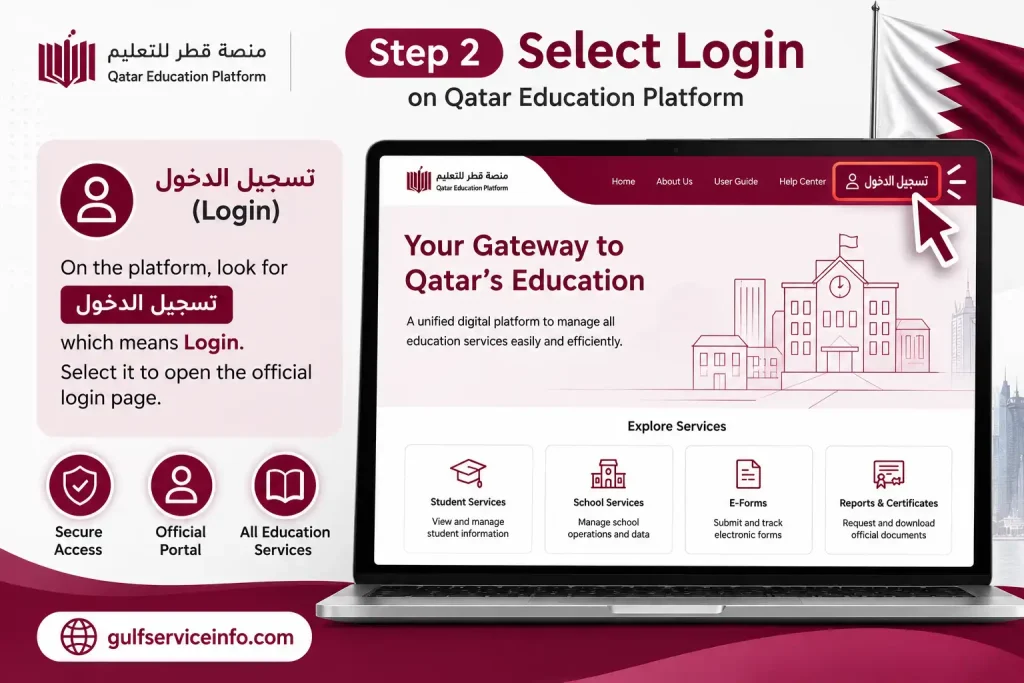
Step 2: Select Login
On the platform, look for تسجيل الدخول, which means Login.
Select it to open the official login page.
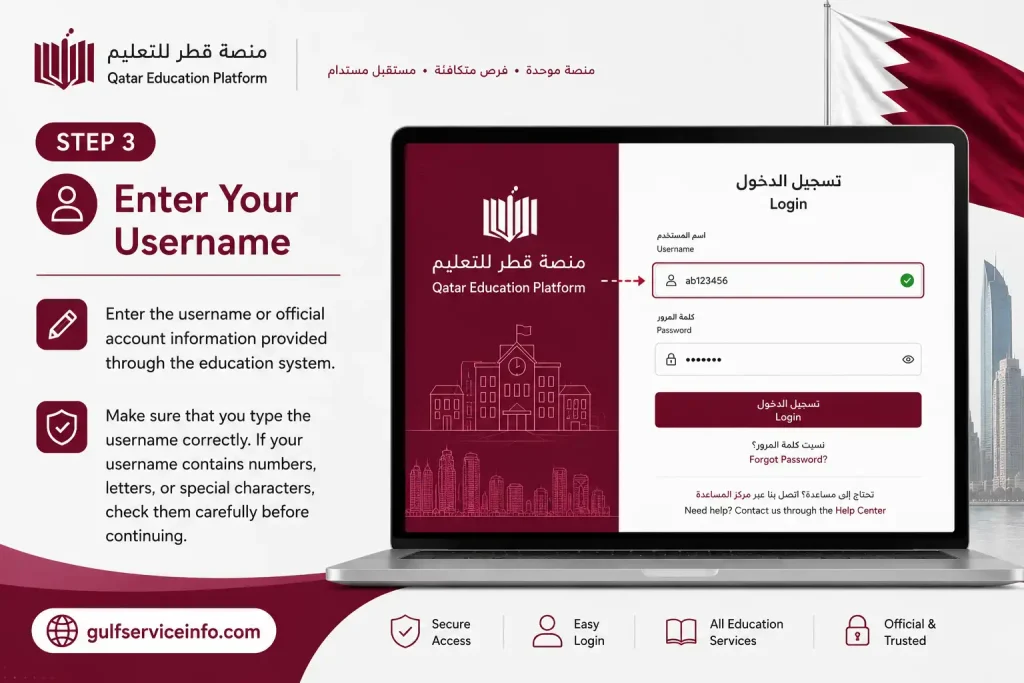
Step 3: Enter Your Username
Enter the username or official account information provided through the education system.
Make sure that you type the username correctly. If your username contains numbers, letters, or special characters, check them carefully before continuing.
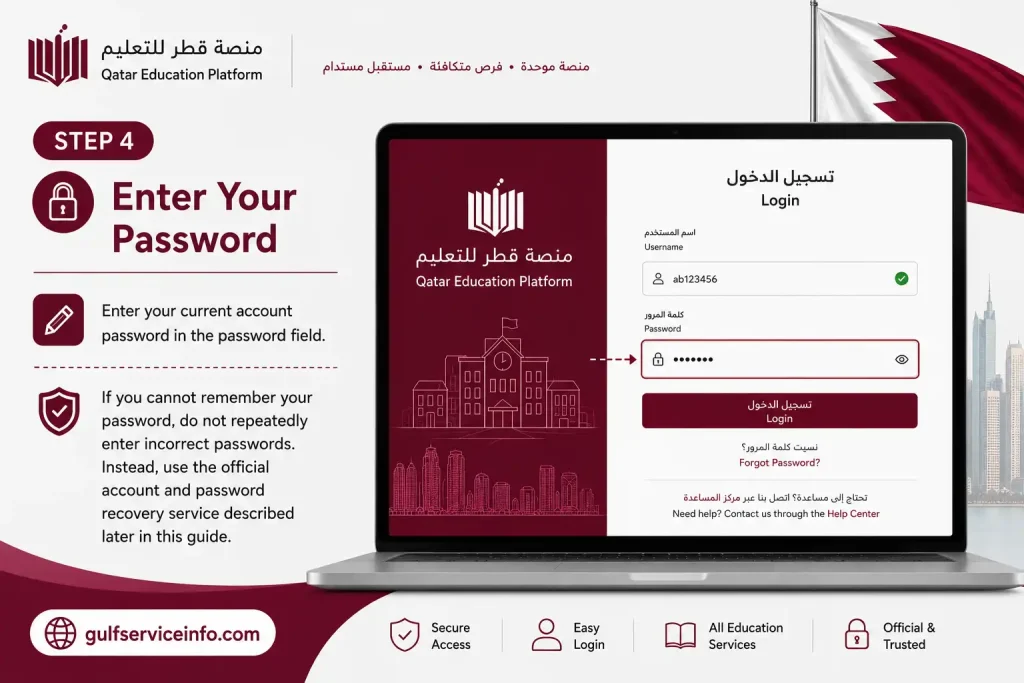
Step 4: Enter Your Password
Enter your current account password in the password field.
If you cannot remember your password, do not repeatedly enter incorrect passwords. Instead, use the official account and password recovery service described later in this guide.
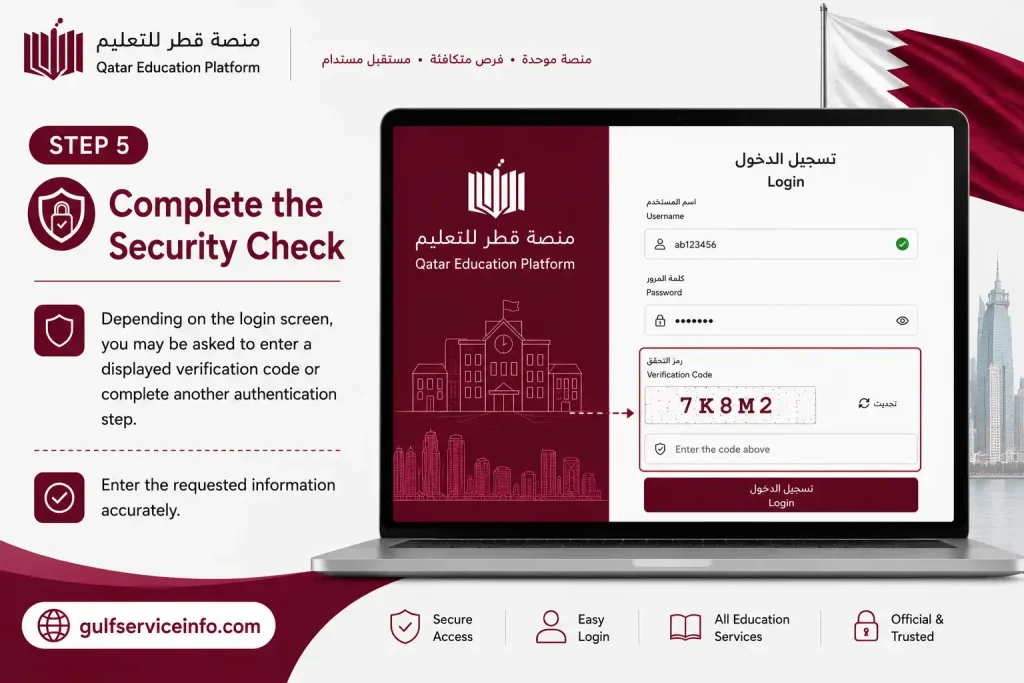
Step 5: Complete the Security Check
Depending on the login screen, you may be asked to enter a displayed verification code or complete another authentication step.
Enter the requested information accurately.
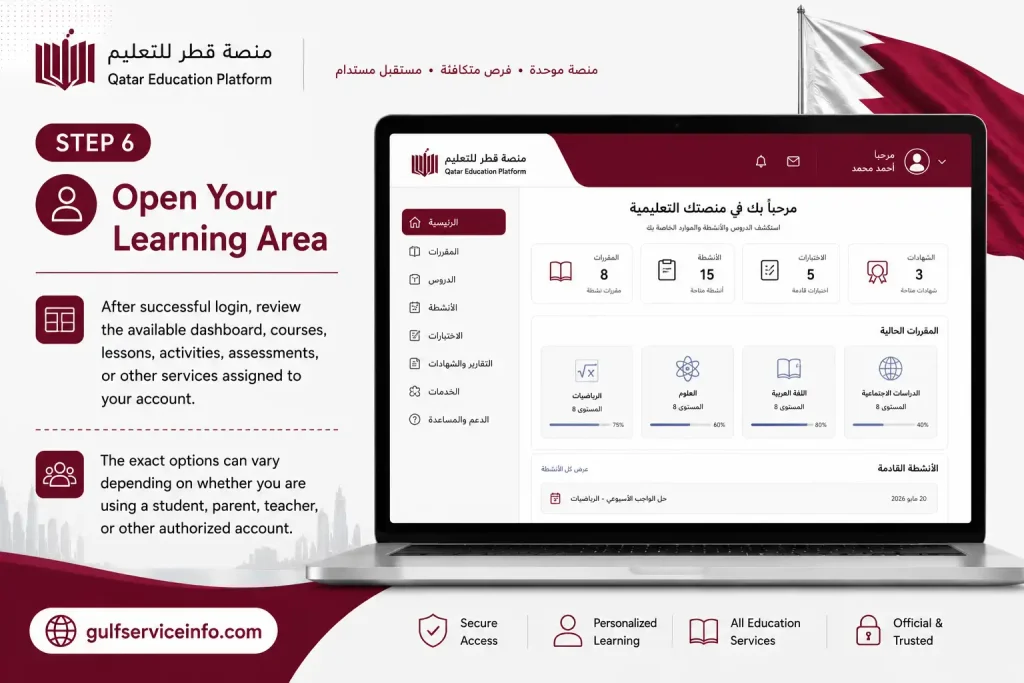
Step 6: Open Your Learning Area
After successful login, review the available dashboard, courses, lessons, activities, assessments, or other services assigned to your account.
The exact options can vary depending on whether you are using a student, parent, teacher, or other authorized account.
What Do You Need for منصة قطر للتعليم Login?
Before starting your منصة قطر للتعليم login, keep the following information ready:
| Requirement | What You Need |
|---|---|
| Official account | Username or Ministry-issued account |
| Password | Current account password |
| Internet | Stable internet connection |
| Browser | Modern supported browser |
| Device | Computer, tablet, or compatible smartphone |
| Verification | Any code or authentication requested on screen |
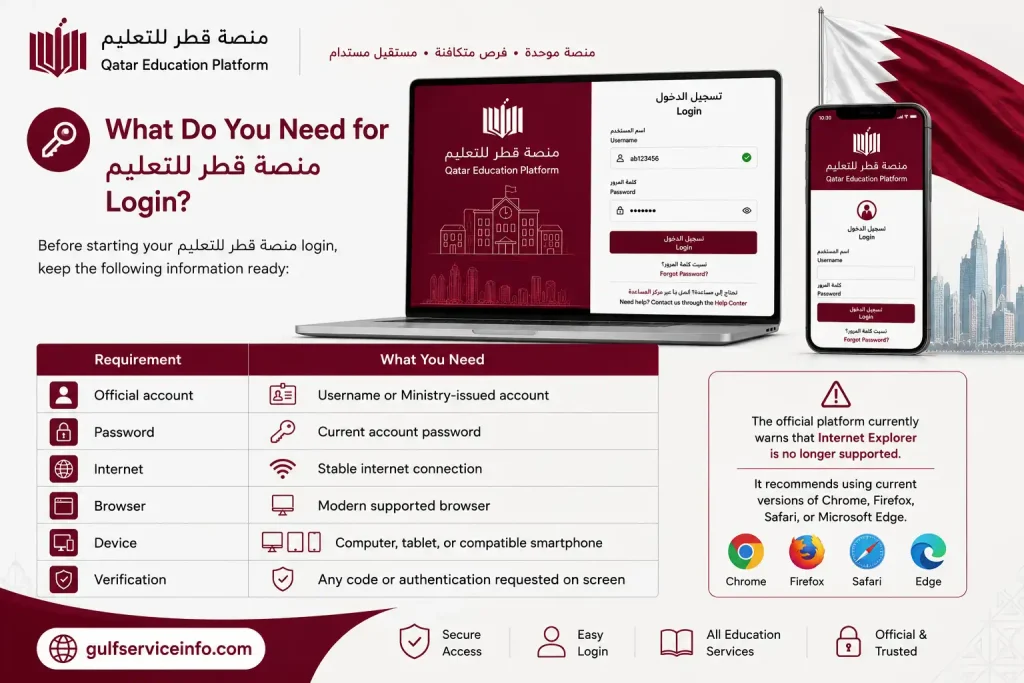
The official platform currently warns that Internet Explorer is no longer supported. It recommends using current versions of Chrome, Firefox, Safari, or Microsoft Edge.
منصة قطر للتعليم Student Login
The Qatar Education Platform student login gives eligible students access to the learning environment associated with their government-school account.
Students can use their account to access available lessons, learning materials, activities, and assessments. The official platform specifically provides student guidance covering login, the student interface, lesson browsing, and assessment activities.
Student Login Steps
To complete a منصة قطر للتعليم student login, follow these steps:
Official student access:
Qatar Education Platform Student Login
What Can Students Do After Login?
Depending on the student’s account and assigned courses, the platform can provide access to:
The Ministry also states that its Qatar Education System uses motivational features such as points, badges, and certificates for certain completed activities.
Can Foreign Residents Use منصة قطر للتعليم?
Yes, eligible foreign-resident students can use the Qatar Education Platform when they are enrolled in the relevant Qatar government-school system and have an authorized account.
However, being a foreign resident alone does not automatically create access to the platform.
Your child’s school enrollment and eligibility are important.
The Ministry’s current information confirms that Qatar has specific admission and registration categories for children of residents, including children of non-Qataris working in government entities and certain other eligible categories.
For the 2026–2027 academic year, the Ministry has also published updated procedures for student registration and transfers, with electronic registration handled through its public services system for applicable categories.
Therefore, if you are a foreign resident and your child is already enrolled in a government school, the school can help confirm the student’s official account information.
If your child attends a private school, do not assume that the same منصة قطر للتعليم account will be available. Private schools may use their own approved learning systems.
How to Register on منصة قطر للتعليم (Qatar Education Platform)
One of the most common questions is: How do I register on منصة قطر للتعليم?
The important distinction is between school enrollment and platform login.
The Qatar Education Platform is not necessarily a conventional public website where every user creates an account independently from the homepage. Access is connected to the Ministry’s education system and authorized user accounts.
Student and Parent Registration
If you are a student or parent who needs access, the general process is:
If you do not have account credentials, contact the relevant school or Ministry service rather than attempting to create an unofficial account.
Government School Registration for New Students
It is important to understand that registering a student for a government school is different from registering for a Qatar Education Platform account.
The Ministry provides electronic services for government-school registration through its public services system. Current Ministry information states that eligible parents can submit electronic applications for government-school enrollment according to the applicable admission policies.
For the 2026–2027 academic year, the Ministry has published specific registration dates and categories. It also states that applications for new students and transfers are available electronically through the Ma’aref Public Services Portal according to the relevant timetable.
What If You Cannot Log In?
If your منصة قطر للتعليم login is unsuccessful, first determine whether the problem is related to your credentials, browser, account status, or school enrollment.
Try these basic checks:
If the issue is related to enrollment, missing courses, or incorrect student information, your school is generally the appropriate first contact.
For technical problems, the Ministry also provides official support channels. Its website currently lists 155 as a contact number alongside its main contact information.
How to Use منصة قطر للتعليم After Login
Once you complete your منصة قطر للتعليم login, the next step is learning how to use the available student services. The exact dashboard can vary according to your account type, school, and assigned courses, but students generally use the platform to access lessons, learning materials, activities, and assessments.
A simple student workflow is:
Login → Dashboard → Course → Lesson → Activity → Assessment → Progress
1. Open Your Student Dashboard
After signing in to منصة قطر للتعليم, review the main dashboard.
Depending on your account, you may see:
If a course or activity is not visible, first check whether you are using the correct account. If the problem continues, contact your school or teacher.
2. Select Your Course
Choose the subject or course you need to study.
Your available courses depend on your school enrollment and the subjects assigned to your account. Open the relevant course to view its available lessons and activities.
3. Open a Lesson
After selecting a course, choose the required lesson.
Depending on the subject, the lesson may contain:
Follow the instructions displayed within the lesson and complete each required activity.
4. Complete Learning Activities
Some courses may include activities that students must complete after studying a lesson.
Read the instructions carefully before submitting your work. If the activity has several sections, complete each required section before leaving the page.
The Ministry has described Qatar Education as a system that supports digital learning, interaction, assessment, and student motivation. It has also highlighted features such as points, badges, and certificates for completing certain learning activities.
5. Complete Assessments
Assessments are another important part of the منصة قطر للتعليم experience.
The official platform provides student guidance for browsing lessons and solving assessments. (qeducation.edu.gov.qa)
Before starting an assessment:
Do not refresh or close the browser unnecessarily while an assessment is being submitted.
منصة قطر للتعليم Online Classes
The Qatar Education Platform can also support remote-learning activities when the Ministry or school activates online learning.
During remote-learning arrangements, students may be instructed to attend live classes through the Qatar Education system and follow the timetable provided by their school.
The Ministry has previously issued remote-learning instructions requiring students to attend live classes according to their schedules and to use the required digital applications.
How to Prepare for an Online Class
Before your online lesson, complete the following checks:
The Ministry has specifically used Microsoft Teams as part of remote-learning arrangements, so students should follow their school’s instructions regarding Teams or any other required application.
During the Online Class
When attending a live class:
After the Online Class
When the lesson finishes:
Tip: Always follow the timetable provided by your school. The platform may contain your learning materials, but your school remains the best source for class-specific schedules and instructions.
منصة قطر للتعليم Password Reset
Forgot your منصة قطر للتعليم password? You do not need to create a new account.
The official platform provides students and parents with an account and password recovery service.
Official Password Service
Qatar Education Password Reset
How to Reset Your Password
Follow these steps:
The platform itself directs students and parents to the official password service for obtaining their official account or changing a password.
منصة قطر للتعليم Student Account Problems
Students can experience several different problems when using منصة قطر للتعليم. The correct solution depends on the type of problem.
| Problem | Recommended Solution |
|---|---|
| Forgot password | Use the official password recovery service |
| Forgot username | Use the official account-recovery service or contact your school |
| Login rejected | Recheck your username and password |
| Account unavailable | Confirm your account has been issued/activated |
| Course missing | Contact your school or teacher |
| Assignment missing | Check the relevant course and contact your teacher |
| Assessment unavailable | Confirm the assignment details with your teacher |
| Website not loading | Refresh the page or try another browser |
| Online class problem | Check your timetable, internet, and required apps |
| Technical problem | Contact your school or official Ministry support |
منصة قطر للتعليم Website Not Loading
If the official Qatar Education Platform website is not loading correctly, the problem may be caused by your browser, internet connection, device, or temporary website issue.
Try these steps in order:
Step 1: Check Your Internet
Open another trusted website to determine whether your internet connection is working.
Step 2: Refresh the Page
Reload the official Qatar Education Platform.
Step 3: Restart Your Browser
Close the browser completely and open it again.
Step 4: Use a Supported Browser
Try Chrome, Firefox, Safari, or Microsoft Edge.
Step 5: Clear Cached Data
If the platform previously worked but suddenly stops loading, clear your browser’s cached website data and try again.
Step 6: Try Another Device
Use another computer, tablet, or smartphone to determine whether the issue is device-specific.
Step 7: Check the Official Platform Again
Return to the official website:
Qatar Education Platform
Avoid using unofficial websites claiming to provide a separate Qatar Education login.
منصة قطر للتعليم for Parents
Parents can also interact with the education system according to the services and permissions associated with their accounts.
Parents may need access to the platform or related Ministry services to follow their child’s educational activities and account information.
If you are a parent and do not know your official account credentials, use the official account/password service:
Official Qatar Education Account & Password Service
If you have never received an account or are unsure whether you are eligible for a specific service, contact your child’s school or the Ministry rather than registering through an unofficial website.
Important Security Tips for Qatar Education Platform Users
Because منصة قطر للتعليم accounts are connected to education services, students and parents should protect their login information.
Follow these basic security practices:
The safest starting point is always the official Qatar Education Platform:
https://qeducation.edu.gov.qa
منصة قطر للتعليم Security Tips
Students and parents should protect their education accounts just as they would protect other important online accounts.
Follow these security practices:
The safest starting point is the official Qatar Education Platform:
Official Qatar Education Platform Links
For easy reference, here are the main official websites mentioned in this guide:
| Service | Official Website |
|---|---|
| Qatar Education Platform | https://qeducation.edu.gov.qa/ |
| Qatar Education Account & Password Service | https://pwdreset.edu.gov.qa/ |
| Ministry of Education and Higher Education Qatar | https://www.edu.gov.qa/ |
Always use these official government websites when accessing Qatar’s education services.
Qatar Education Platform Login vs School Registration
It is important to understand the difference between Qatar Education Platform login and government-school registration.
Qatar Education Platform Login
Login is for students, parents, teachers, and other authorized users who already have an official account.
You use your official credentials to access the services assigned to your account.
Government-School Registration
School registration is the process of enrolling a student in the relevant government-school system.
Depending on the student’s eligibility and category, parents may need to complete the Ministry’s official registration process before the student receives access to the relevant education services.
This distinction is important because searching for Qatar Education Platform registration does not necessarily mean that you need to create a new account directly on the learning platform.
Important Tips for Foreign-Resident Families
Foreign residents who have children studying in Qatar should first confirm the student’s school type and enrollment status.
If the child attends a government school:
If the child attends a private school, ask the school which learning management system it uses.
Do not assume that residency status alone provides a Qatar Education Platform account.
Qatar Education Platform (منصة قطر للتعليم) FAQs,
Final Thoughts
The Qatar Education Platform (منصة قطر للتعليم) is an important digital learning system for Qatar’s government-school community. It provides eligible students with access to lessons, learning materials, activities, assessments, and other digital educational resources. Parents, teachers, and school administrators can also access services according to their assigned roles. For Qatar Education Platform login, always start with the official website at qeducation.edu.gov.qa and use the credentials provided through the official education system. If you forget your username or password, use the official account and password recovery service at pwdreset.edu.gov.qa rather than relying on third-party websites.