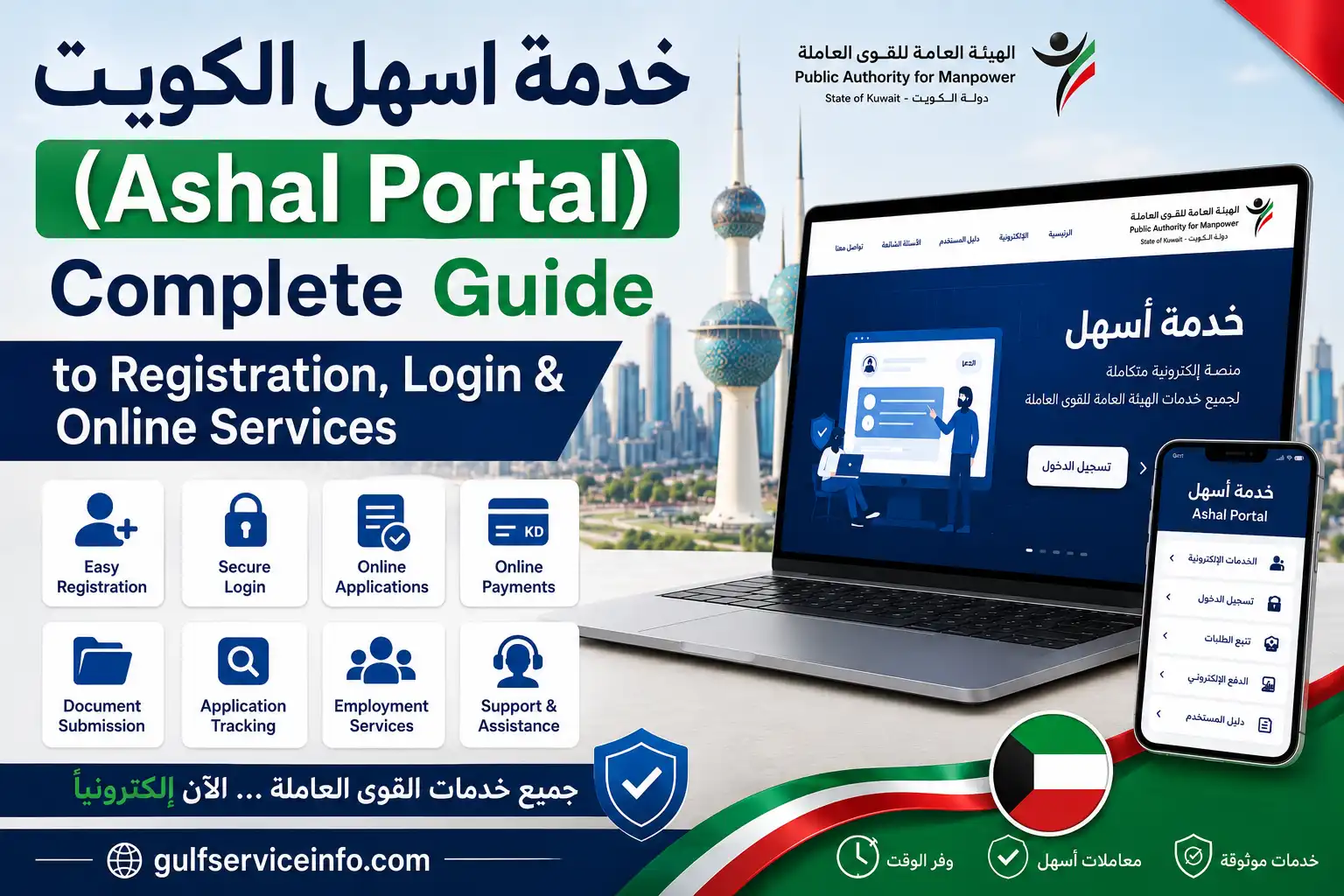
If you live or work in Kuwait, the Ashal Portal (خدمة أسهل) is the official online platform provided by Kuwait’s Public Authority for Manpower (PAM) for managing labour-related services. It allows employers, companies, expatriate workers, and residents to apply for and renew work permits, transfer sponsorship, register employment contracts, track applications, and verify their identity through Kuwait Mobile ID. The official Ashal Portal (خدمة أسهل) is available on the PAM website. In this guide, you’ll learn how to register, log in, access online services, check application status, and solve common portal issues.
Explore more Kuwait government service guides and step-by-step tutorials on our Website.
What Is the Ashal Portal (خدمة أسهل)?
The Ashal Portal (خدمة أسهل) is an electronic service platform operated by Kuwait’s Public Authority for Manpower (PAM). It was created to digitise labour services and reduce paperwork by allowing users to complete official employment-related transactions online.
Instead of visiting a PAM service centre for every request, users can access the Ashal Online Portal (بوابة أسهل الإلكترونية) to submit applications, update employment records, verify labour information, and monitor requests from a single dashboard.
The portal is widely used by:
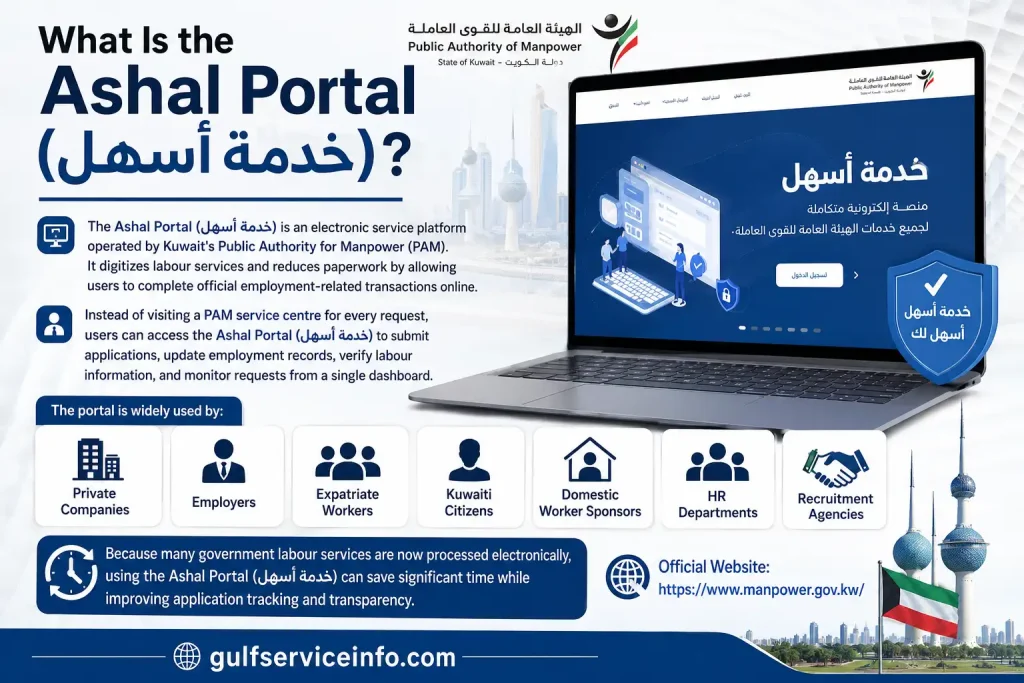
Because many government labour services are now processed electronically, using the Ashal Portal (خدمة أسهل) can save significant time while improving application tracking and transparency.
Key Features of the Ashal Portal (خدمة أسهل)
The Ashal Online Portal (بوابة أسهل الإلكترونية) offers a wide range of electronic labour services designed to simplify administrative procedures.
Some of its main features include:
Since these services are available online, employers and employees can complete many official procedures without waiting in long queues.
Who Can Use the Ashal Portal (خدمة أسهل)?
The Ashal Online Portal (بوابة أسهل الإلكترونية) is designed for different categories of users across Kuwait’s labour market.
Eligible users include:
| User Type | Purpose |
|---|---|
| Employers | Manage employee work permits and labour services |
| Companies | Handle recruitment, permits, and employment records |
| Expatriate Workers | Track applications and labour information |
| Domestic Worker Sponsors | Register contracts and sponsorship services |
| Graduates | Employment registration |
| Students | Apply for authorised part-time work |
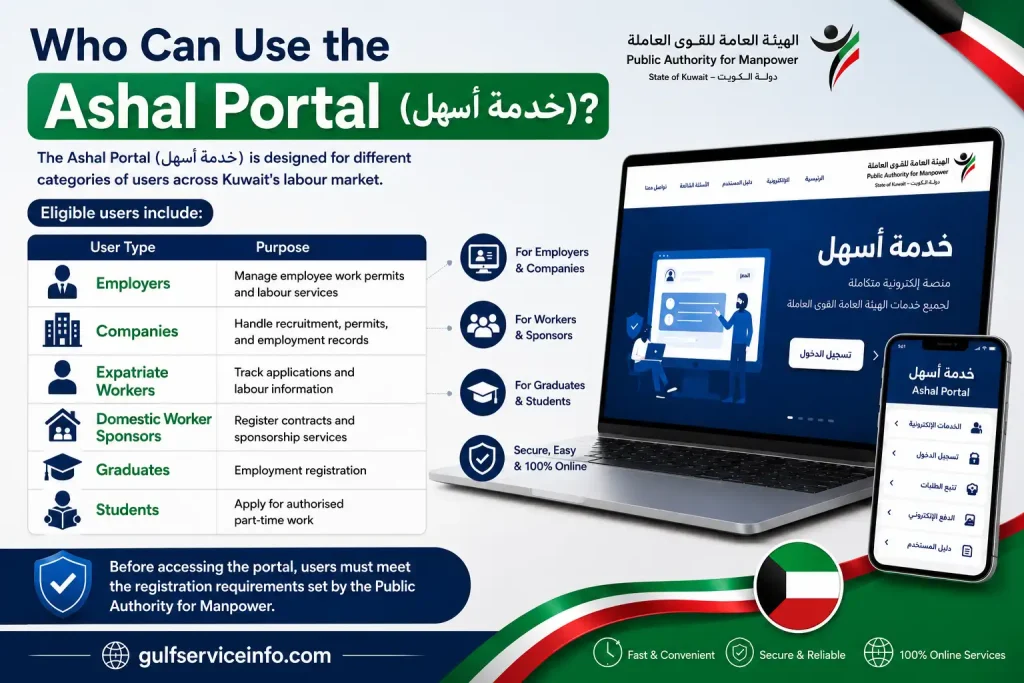
Before accessing the portal, users must meet the registration requirements set by the Public Authority for Manpower.
Requirements Before Registering on the Ashal Portal (خدمة أسهل)
Before creating an account on the Ashal Portal (خدمة أسهل), make sure you have all the necessary information ready. Having the correct documents will help you complete registration without delays.
Basic Requirements
You generally need:
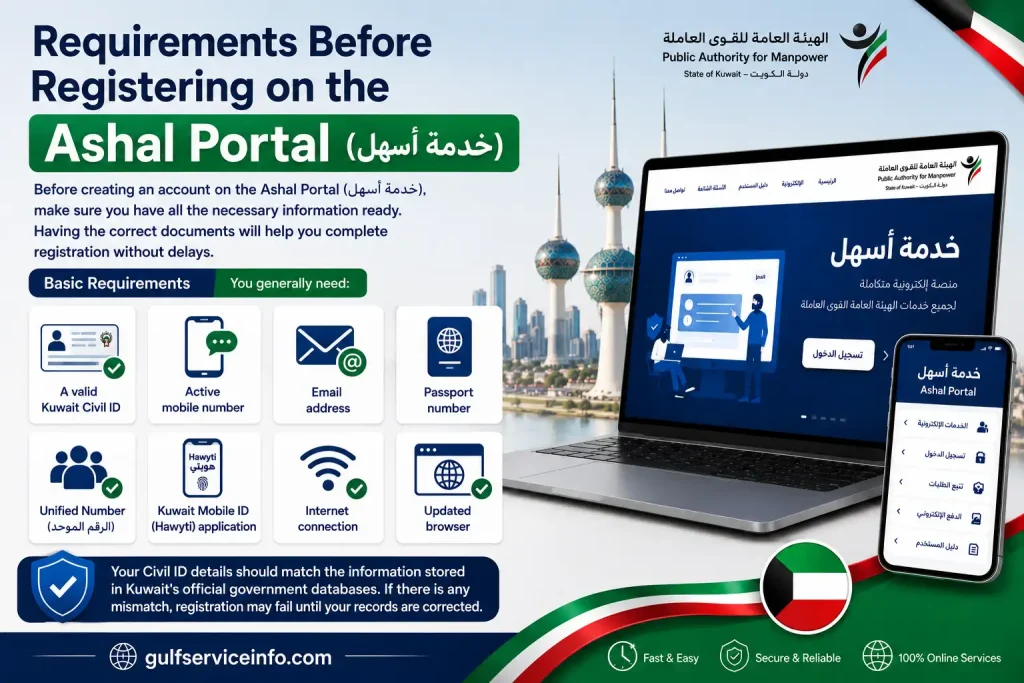
Your Civil ID details should match the information stored in Kuwait’s official government databases. If there is any mismatch, registration may fail until your records are corrected, so if you need to verify your Civil ID before using Ashal Portal (خدمة أسهل), see our detailed guide on Kuwait Civil ID Status Check Online (2026) for step-by-step instructions.
How to Register on the Ashal Portal (خدمة أسهل)
Creating an account on the Ashal Portal (خدمة أسهل) only takes a few minutes if your documents are ready.
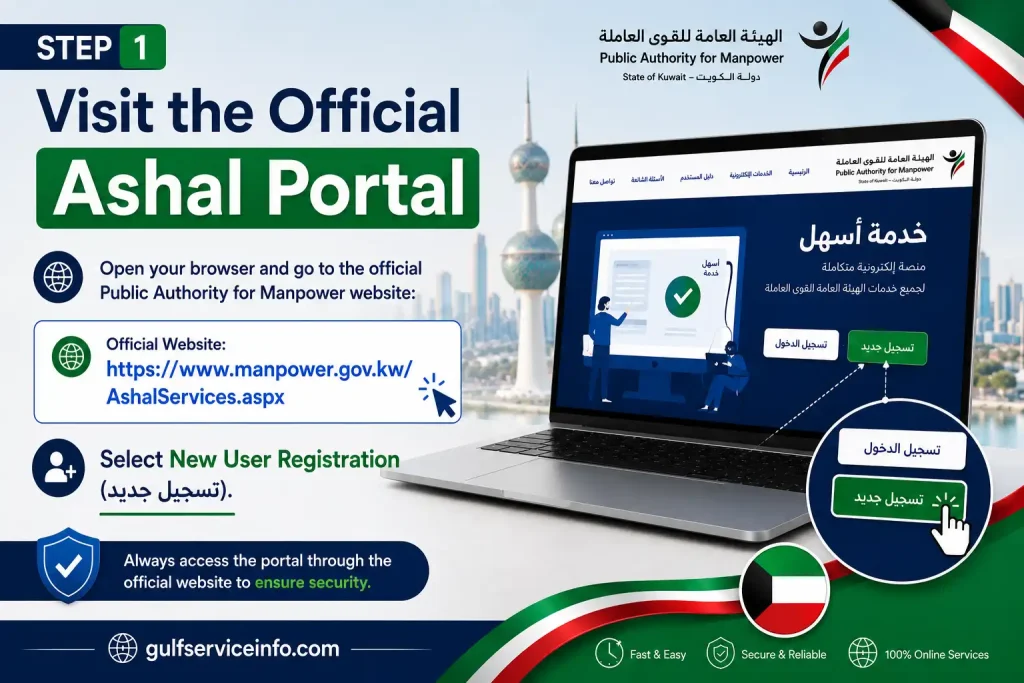
Step 1: Visit the Official Ashal Portal
Open your browser and go to the official Public Authority for Manpower website:
Official Website: Ashal Online Portal (بوابة أسهل الإلكترونية)
Select New User Registration (تسجيل جديد).
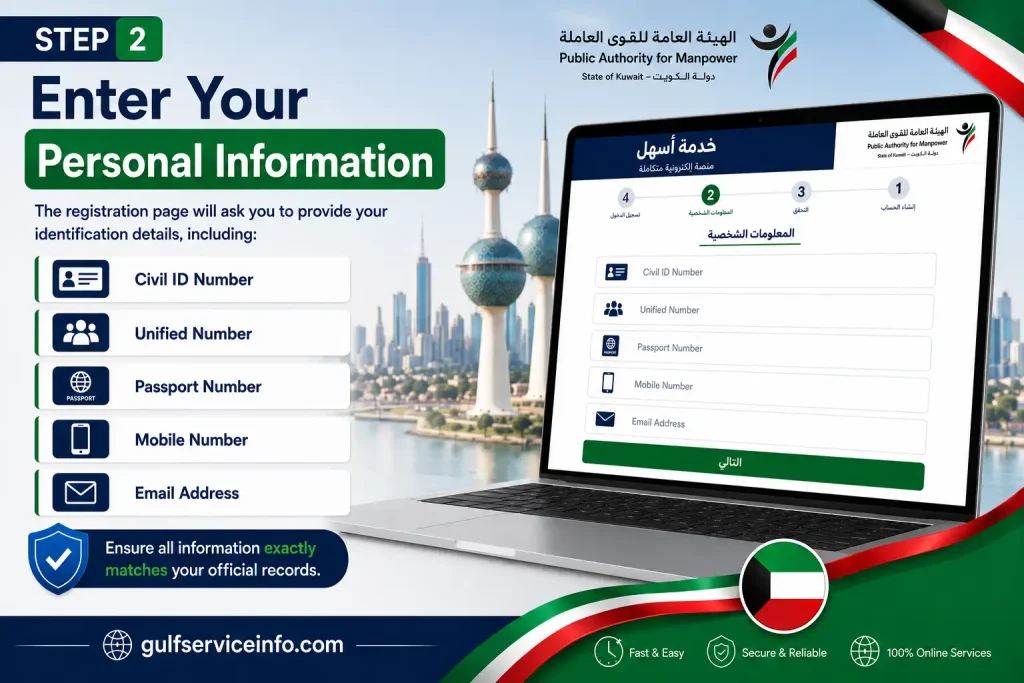
Step 2: Enter Your Personal Information
The registration page will ask you to provide your identification details, including:
Ensure all information exactly matches your official records.
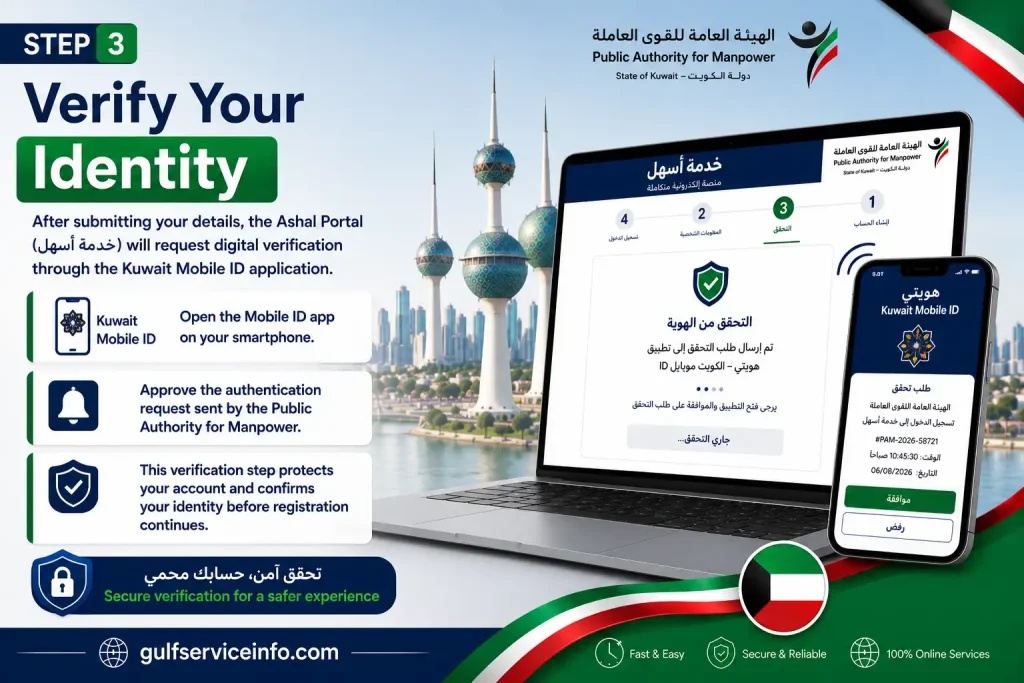
Step 3: Verify Your Identity
After submitting your details, the Ashal Portal (خدمة أسهل) will request digital verification through the Kuwait Mobile ID application.
Open the Mobile ID app on your smartphone and approve the authentication request sent by the Public Authority for Manpower.
This verification step protects your account and confirms your identity before registration continues.
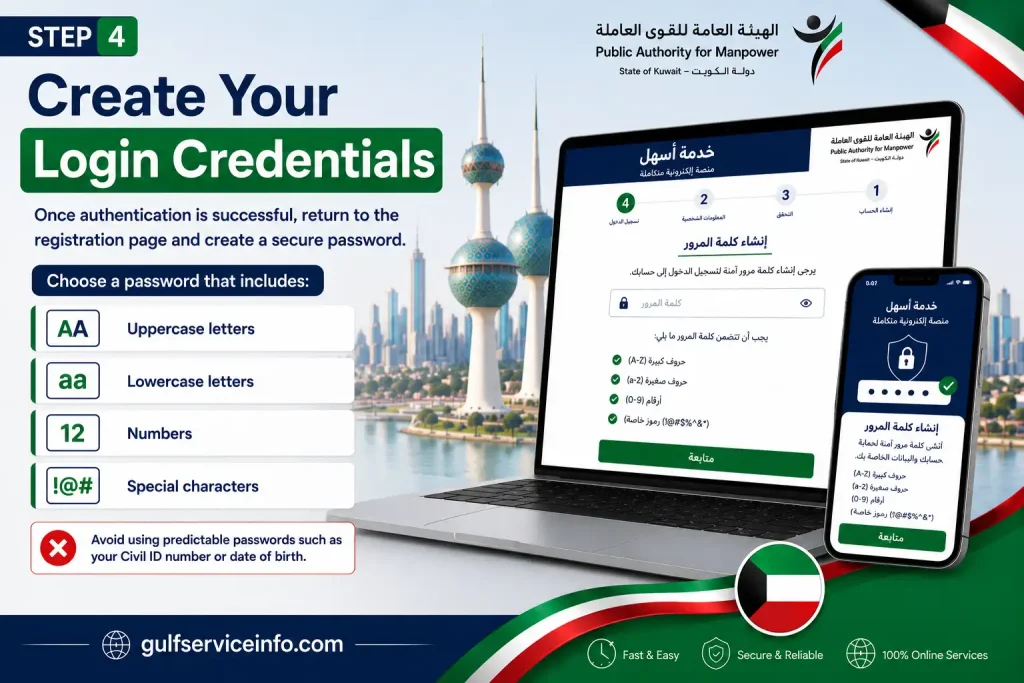
Step 4: Create Your Login Credentials
Once authentication is successful, return to the registration page and create a secure password.
Choose a password that includes:
Avoid using predictable passwords such as your Civil ID number or date of birth.
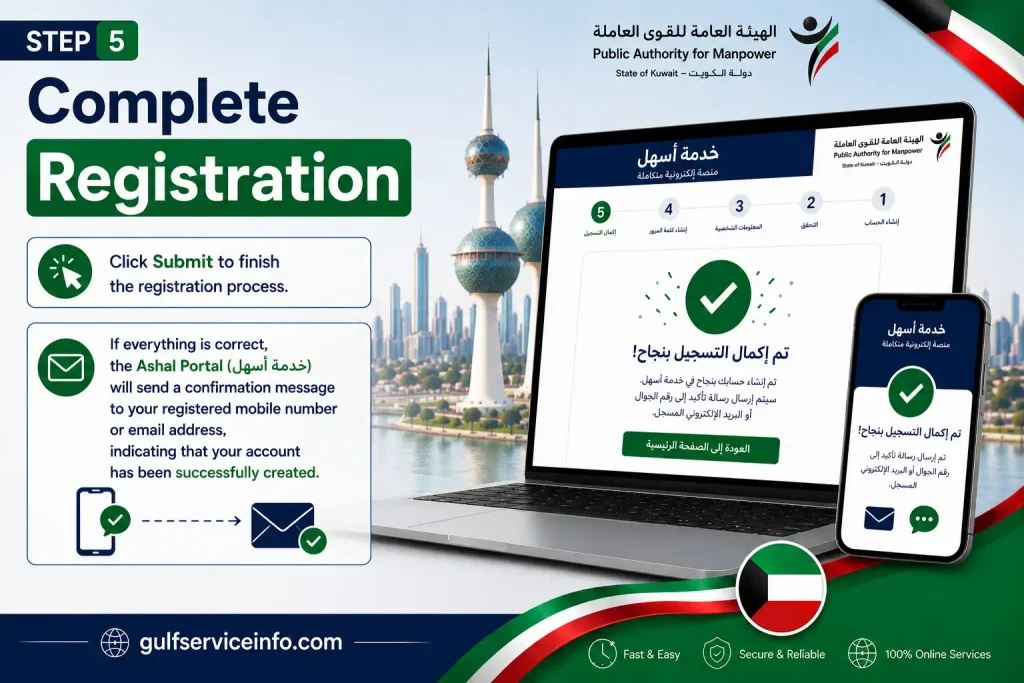
Step 5: Complete Registration
Click Submit to finish the registration process.
If everything is correct, the Ashal Portal (خدمة أسهل) will send a confirmation message to your registered mobile number or email address, indicating that your account has been successfully created.
How to Login to the Ashal Portal (خدمة أسهل)
To access your account, follow these simple steps:
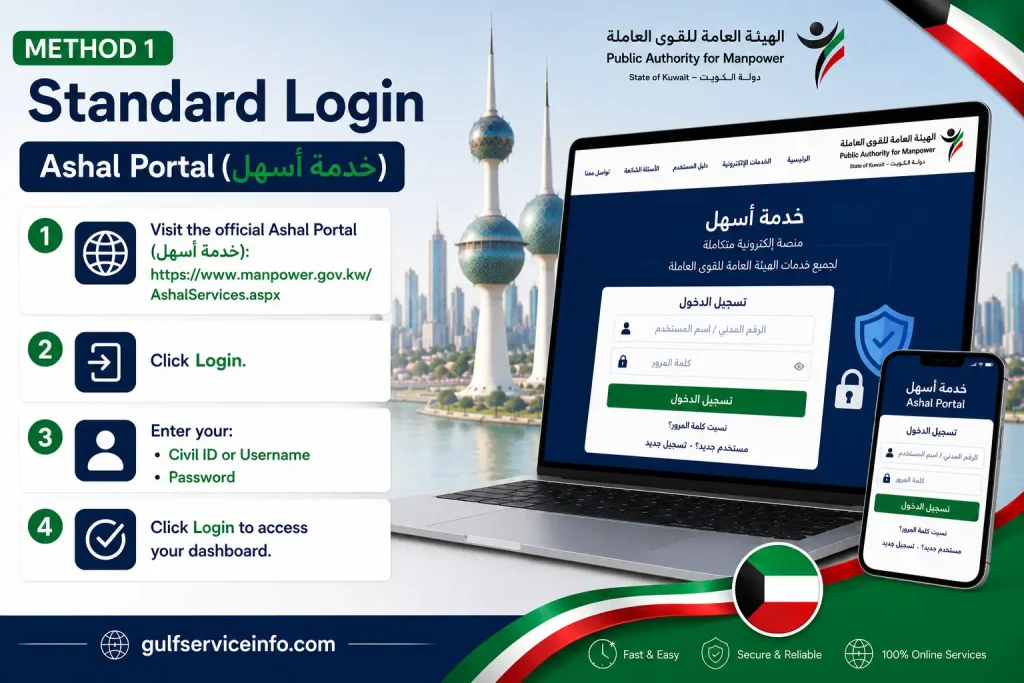
Method 1: Standard Login
Method 1: Standard Login
- Visit the official Ashal Online Portal (بوابة أسهل الإلكترونية):
- Click Login.
- Enter your:
- Civil ID or Username
- Password
- Click Login to access your dashboard.
Method 2: Login Using Kuwait Mobile ID
For added security, the Ashal Online Portal (بوابة أسهل الإلكترونية) also supports authentication through Kuwait Mobile ID.
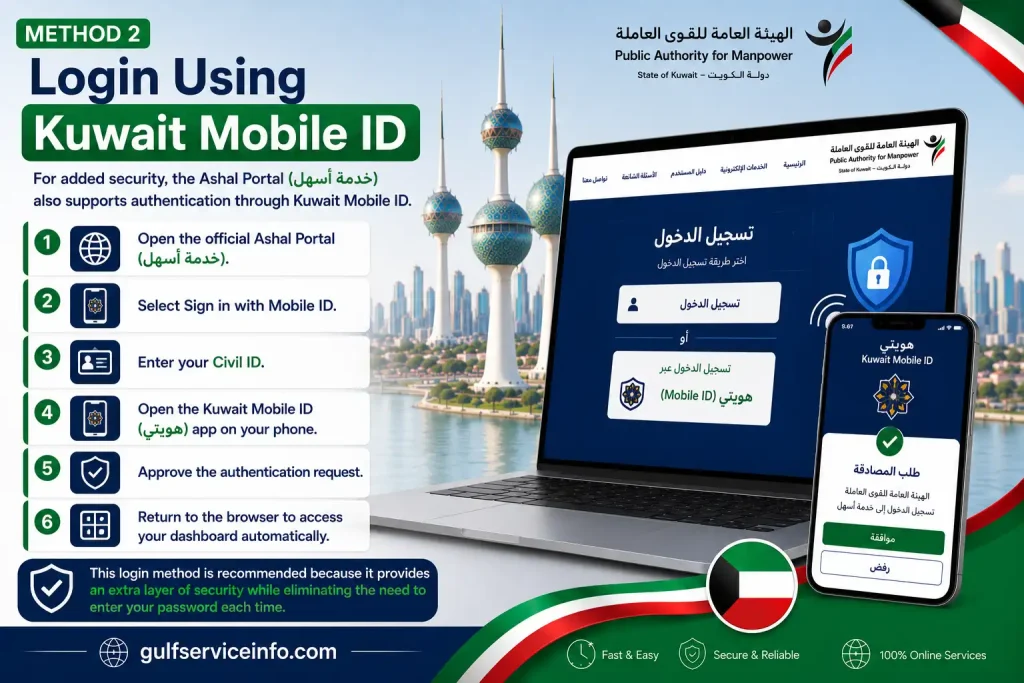
This login method is recommended because it provides an extra layer of security while eliminating the need to enter your password each time.
Services Available on the Ashal Portal (خدمة أسهل)
One of the biggest advantages of the Ashal Portal (خدمة أسهل) is that it brings multiple labour-related services together in one online platform. Whether you’re an employer managing workers or an expatriate tracking your employment records, the portal simplifies many government procedures.
Below are the major services available through the Ashal Online Portal (بوابة أسهل الإلكترونية).
| Service Category | Available Services | Users |
|---|---|---|
| Work Permit Services | New permits, renewals, cancellations, transfers | Employers & Companies |
| Labour Contracts | Register, modify and verify contracts | Employees & Employers |
| Domestic Worker Services | Contract registration and sponsorship transfer | Sponsors |
| Labour Verification | Absence verification, grievance services, clearance certificates | Workers |
| Graduate Services | Employment registration | Graduates |
| Student Services | Part-time work authorisation | Students |
The Public Authority for Manpower continues to expand the Ashal Portal (خدمة أسهل) by adding new electronic services that reduce paperwork and improve processing times.
How to Submit an Application Through the Ashal Portal (خدمة أسهل)
Most services on the Ashal Online Portal (بوابة أسهل الإلكترونية) follow a similar application process. Although the required documents may vary depending on the service, the submission steps remain almost the same.
Step 1: Log in to Your Dashboard
Visit the official website:
Step 2: Select the Required Service
From the left-side navigation menu, choose the service you want to apply for.
Popular options include:
Selecting the correct category helps ensure your request is processed by the appropriate PAM department.
Step 3: Complete the Online Application Form
The Ashal Online Portal (بوابة أسهل الإلكترونية) will display an online application form specific to the service you’ve selected.
Provide all requested information carefully, such as:
Always verify that your information matches your official Civil ID and passport records. Even minor spelling errors may delay your application.
Step 4: Upload Supporting Documents
Many applications submitted through the Ashal Portal (خدمة أسهل) require supporting documents.
Common uploads include:
Before uploading, make sure every document is:
Accepted file types usually include:
Files should normally remain under 2 MB each to avoid upload errors.
Step 5: Pay the Required Fees
Some services offered through the Ashal Online Portal (بوابة أسهل الإلكترونية) require administrative charges.
If payment is necessary:
Avoid refreshing your browser during payment, as this could interrupt the transaction.
Step 6: Submit Your Application
After reviewing all information:
The Ashal Portal (خدمة أسهل) will generate an Application Reference Number (رقم الطلب).
Keep this number safe because you’ll need it whenever you check your application status or contact customer support.
How to Check Your Application Status on the Ashal Portal (خدمة أسهل)
One of the most useful features of the Ashal Online Portal (بوابة أسهل الإلكترونية) is real-time application tracking. Instead of visiting a government office, users can monitor their request online.
There are two official ways to check the status of your application.
Method 1: Check Status from Your Dashboard
This is the fastest method.
- Visit the official Ashal Portal (خدمة أسهل):
- Log into your account.
- Open My Transactions (معاملاتي).
- Select Request Tracking.
- Choose your Application Reference Number.
The system will display your application’s current status.
Common status messages include:
| Status | Meaning |
|---|---|
| Under Review | PAM officers are processing your application. |
| Approved | Your request has been accepted. |
| Rejected | Your application has been declined with a reason. |
| Action Required | Additional documents or corrections are needed. |
Method 2: Public Inquiry Service
If you don’t want to log into your account, the Public Authority for Manpower also provides an online inquiry service.
Visit the official PAM website:
Open the E-Services Inquiry section.
Enter either:
Click Search to view the latest application status.
This option is particularly useful if you only need a quick status update without accessing your full dashboard.
Required Documents for the Ashal Portal (خدمة أسهل)
Submitting the correct documents is one of the most important parts of any application through the Ashal Online Portal (بوابة أسهل الإلكترونية). Missing or poor-quality files can delay approval or result in your request being rejected.
The Public Authority for Manpower (PAM) accepts electronic document uploads for most online services, making it easier to complete applications without visiting a service centre. (Manpower)
Standard Documents You May Need
Depending on the service you are applying for through the Ashal Portal (خدمة أسهل), you may be asked to upload one or more of the following documents:
| Document | Purpose |
|---|---|
| Civil ID (Front & Back) | Identity verification |
| Passport Copy | Personal and travel information |
| Unified Number | Government identification record |
| Employment Contract | Labour registration and verification |
| Authorised Signature Form | Employer authorisation |
| Medical Clearance | Initial work permit applications |
| Educational Certificates | Professional qualification verification |
| Additional Supporting Documents | Depending on the selected service |
Document Upload Guidelines
Before uploading your files to the Ashal Online Portal (بوابة أسهل الإلكترونية), make sure they meet these general requirements:
Common Problems on the Ashal Portal (خدمة أسهل) and How to Fix Them
Although the Ashal Portal (خدمة أسهل) is designed to simplify labour services, users may occasionally experience technical or application-related issues. Most problems can be resolved without submitting a new application.
Authentication Failed
Possible Cause
Solution
File Upload Error
Possible Cause
Solution
K-Net Payment Completed but Application Not Updated
Sometimes payment is successful, but the application status does not change immediately.
Recommended Solution
Civil ID or Unified Number Mismatch
This usually happens when the information entered does not match official government records.
To resolve this issue:
Blank Page or System Error
Heavy traffic or scheduled maintenance may temporarily affect the Ashal Portal (خدمة أسهل).
Try the following:
Tips for Using the Ashal Portal (خدمة أسهل)
To avoid delays and improve your experience with the Ashal Online Portal (بوابة أسهل الإلكترونية), keep these best practices in mind:
Following these recommendations can help ensure your applications are processed smoothly and reduce the chances of unnecessary delays.
Frequently Asked Questions
Final Thoughts
The Ashal Portal (خدمة أسهل) simplifies labour and employment services in Kuwait by allowing users to register, log in, apply for work permits, upload documents, make online payments, and track applications through a single digital platform. To avoid delays, always use the official Public Authority for Manpower (PAM) website, enter accurate information, and prepare the required documents before submitting your request. By following the guidance in this article, you can confidently use the portal and complete your labour-related services online.