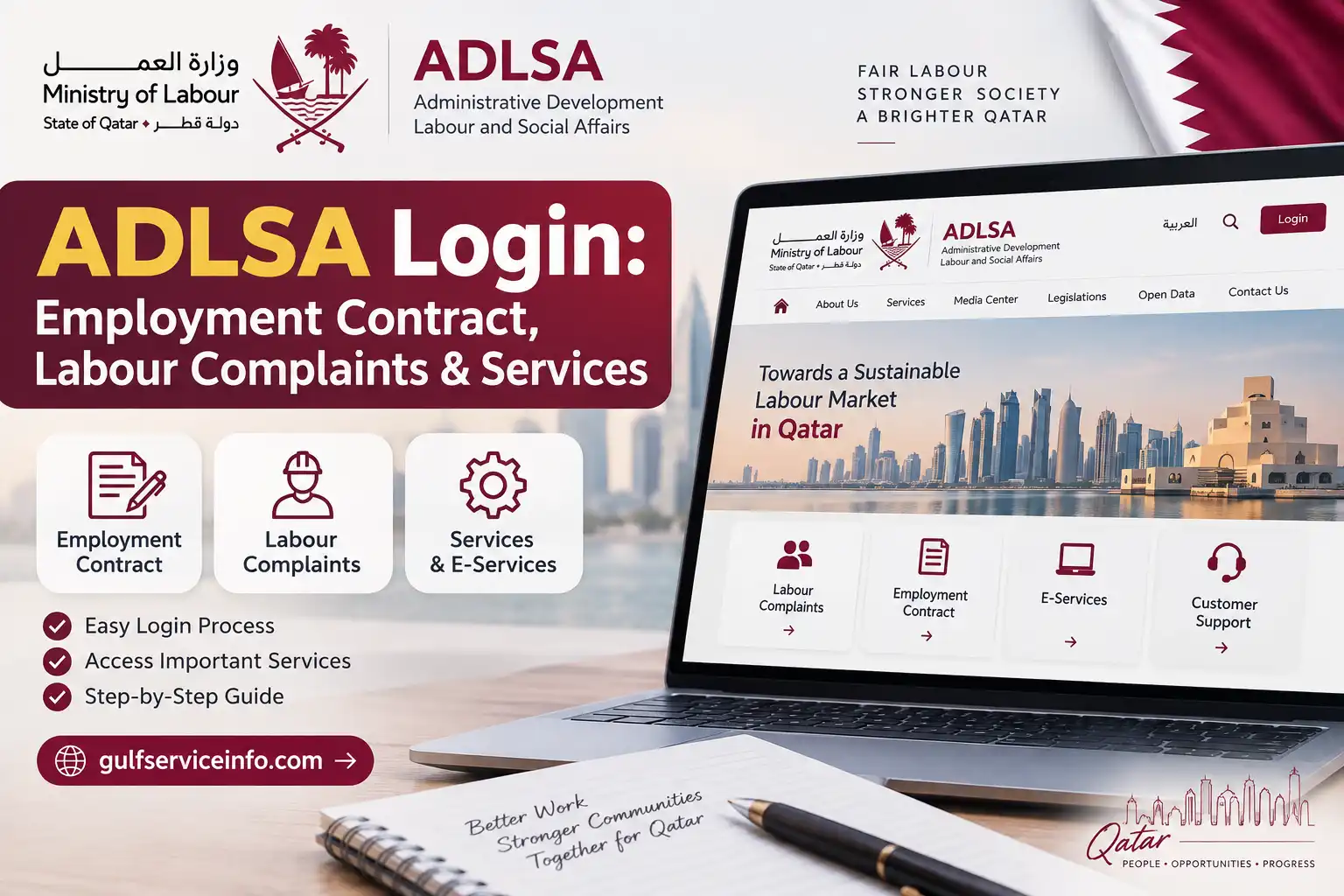
If you are searching for ADLSA login, an ADLSA employment contract, or a way to submit a Qatar labour complaint, it is important to use the official government platforms rather than third-party websites. The services historically associated with ADLSA are now handled through Qatar’s Ministry of Labour (MOL) systems, while the dedicated complaints platform remains available through the ADLSA domain. The official Ministry of Labour website provides access to government services, appointments, legislation and labour-related information.
For the complaints service, the official portal allows citizens, expatriates and establishments to submit complaints or reports concerning matters covered by Qatar labour legislation. Users can also follow complaint progress and review or update certain personal contact information.
Explore more Qatar guides and helpful resources: Visit our website.
What Is ADLSA?
ADLSA refers to Qatar’s former Ministry of Administrative Development, Labour and Social Affairs. Many people still use terms such as ADLSA login, ADLSA portal, ADLSA labour complaint and ADLSA employment contract when searching for Qatar government labour services.
For current services, however, users should also look for the Ministry of Labour (MOL) website and its electronic services. The official Ministry website lists services, departments, legislation, electronic appointments and contact options.
The older ADLSA-branded complaints system is particularly useful for workers who need to raise a workplace complaint or report a labour-law violation. According to the official complaints FAQ, the platform supports complaints involving establishments covered by the Qatar Labour Law, complaints involving domestic workers and reports of violations.
ADLSA Login
The phrase ADLSA login can refer to different government systems, so the first step is identifying the service you actually need. If your purpose is a labour complaint, use the dedicated complaints platform. If you need employment-contract services or other Ministry services, start from the current Ministry of Labour website.
ADLSA Login for Labour Complaints
The official complaints platform currently provides two main authentication methods:
- QID or visa number with mobile number
- National Authentication System (NAS)
When using the QID or visa option, the system asks for your identification or visa number and mobile phone number. An OTP is then sent by SMS to the phone number associated with the relevant identification record.
How to log in:

Alternatively, eligible users can select the NAS login option. The official user guide confirms that the complaints platform supports both ID/visa-plus-mobile authentication and the National Authentication System.
Important: If the mobile number is not registered against the relevant identification or visa record, online authentication may not work. The official FAQ states that a worker using a work visa can submit a complaint when the mobile number is registered to that visa; otherwise, the worker may need to visit a Ministry office.
How to Access the ADLSA Gov QA Portal
The website adlsa.gov.qa is commonly searched by workers and employers looking for ADLSA Login services. Because government services can move between ministry systems, it is safer to begin with the official Ministry of Labour website or the official complaints portal instead of relying on an unofficial login page.
For general Ministry services:
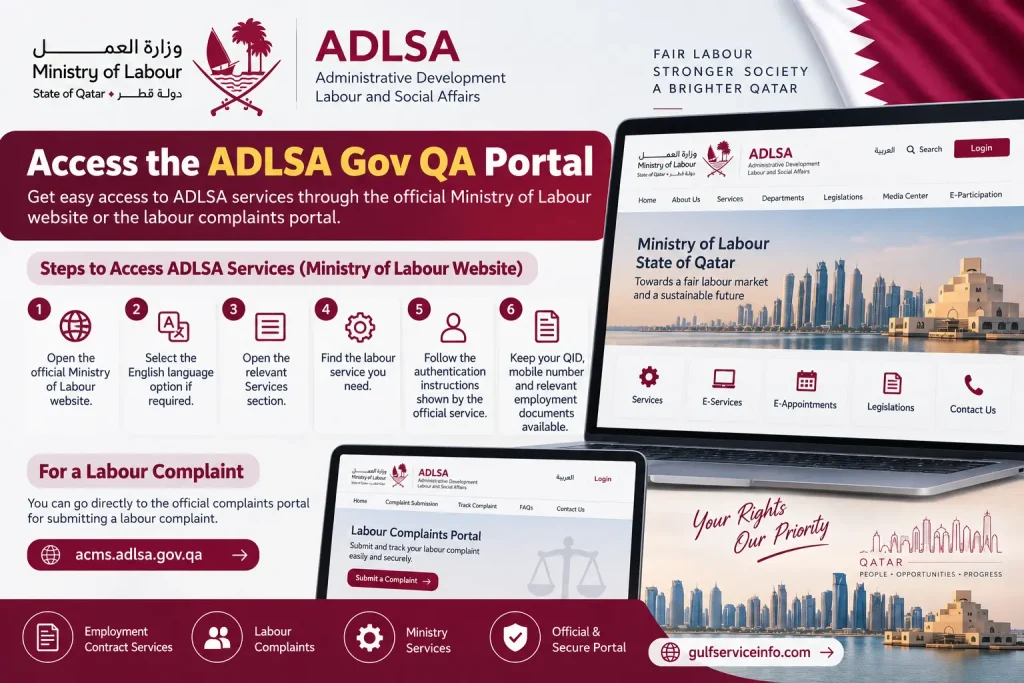
The current Ministry website includes sections for services, departments, legislation, electronic appointments and ministry contact information.
For a labour complaint, you can instead go directly to the official complaints portal.
What You May Need Before ADLSA Login
Before attempting an ADLSA login or labour service, have the following information ready where applicable:
If you also need to verify your Qatar ID details, you can check our [MOI Qatar ID Check Online] guide for step-by-step instructions on checking QID status and renewal information.
ADLSA Online Services
The online services associated with ADLSA Login and the Ministry of Labour cover several areas of employment administration. The exact options depend on the service and the user’s role.
For workers, one of the most important areas is labour complaints. The official complaints platform allows users to file a complaint, report a violation and follow up on complaints. It can also display personal information held in the Ministry’s database and allow certain contact details to be updated.
For employers and establishments, the Ministry of Labour provides electronic employment-contract services. The current Ministry documentation describes a Digital Authentication System for Multilingual Employment Contracts, which supports creating employment contracts, viewing previous contracts created through the system, entering contract information, uploading required documents and printing contracts.
Main ADLSA/MOL Service Areas
For employees:
For employers and establishments:
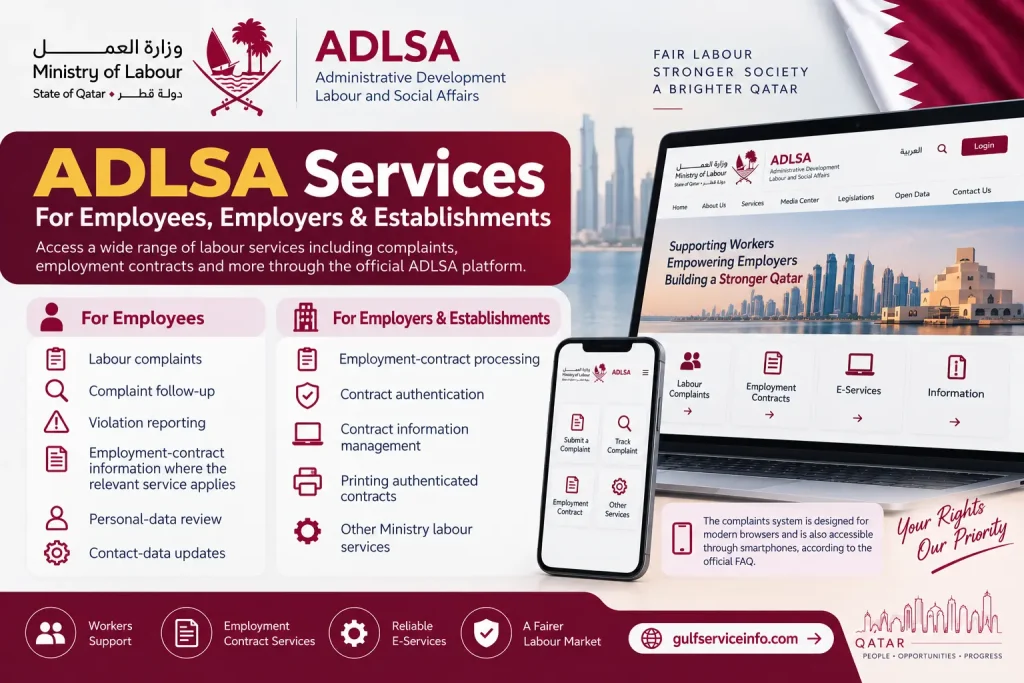
The complaints system is designed for use on modern browsers and is also accessible through smartphones, according to the official FAQ.
ADLSA Employment Contract Online
An ADLSA employment contract is generally searched for by workers and employers who want to check, authenticate or obtain an electronic copy of an employment contract.
Current Ministry of Labour documentation describes a digital authentication service for multilingual employment contracts. The system is designed to allow eligible establishment users to access the service through the Ministry website and authenticate through the National Authentication System, known as Tawtheeq.
The Ministry’s documentation states that the digital system can support both fixed-term contracts and indefinite contracts. It also allows users to enter contract information, view contract details and print employment contracts.
How the ADLSA Employment Contract Process Works
For an employer or authorised establishment representative using the digital contract system, the general process is:
The official Ministry instructions explain that signed contracts can be uploaded for verification and that, after the verification and payment stages, the contract can be electronically authenticated and printed using the authentication information.
Tip: If you are a worker checking an employment contract, compare the information shown on the official record with the contract you received from your employer. Pay particular attention to the employee’s identity, employer details, job information and agreed contractual terms.
ADLSA Employment Contract Download
Once an employment contract has been authenticated through the Ministry of Labour’s digital employment-contract system, an authorised user can print the contract from the system. The Ministry’s official documentation describes a process in which the contract is reviewed, signed, uploaded for verification and, after the required verification and payment stages, made available for printing.
If you are looking for an ADLSA employment contract download, use the official Ministry service rather than a third-party website.
Steps to Print or Download an Employment Contract
The exact buttons can change when government portals are updated, so follow the labels displayed on the current official service.
Keep a copy of your employment contract after downloading it. It can be useful when checking salary terms, employment conditions or resolving a disagreement with an employer.
How to Check ADLSA Labour Complaint Status
Checking an ADLSA labour complaint status is one of the main functions of the Unified Platform for Complaints and Whistleblowers. The official platform allows an authenticated user to follow complaints that have already been submitted.
Check Your Complaint Status Online
Use the official ADLSA/MOL complaints portal.
The general process is:
The official user guide shows a complaints summary page where submitted complaints are listed with information such as complaint type, number, submission date and status. Selecting a record takes the user to the complaint-status review area.
How to File a Labour Complaint Through ADLSA
The ADLSA labour complaint service is designed for eligible workers and other users who need to report an employment-related issue or an apparent violation of Qatar labour regulations.
The official platform supports complaints involving establishments subject to the applicable Qatar Labour Law, complaints by domestic workers against employers, and reports of explicit labour-law violations.
Before Filing an ADLSA Labour Complaint
Prepare the information that explains your situation clearly. Depending on the nature of the dispute, useful supporting material may include:
Only provide information that is accurate. The platform’s privacy policy states that users are responsible for submitting correct information and valid documents, records and other supporting material.
Step-by-Step Complaint Process
Step 1 — Open the official portal
Visit the Unified Platform for Complaints and Whistleblowers.
Step 2 — Authenticate your identity
Choose the authentication method offered by the platform. The official FAQ identifies the National Authentication System and the ID/mobile-number method as access routes.
Step 3 — Start a new complaint
After signing in, open the complaints area and choose the option to register a new complaint.
Step 4 — Select the relevant complaint type
Provide the information requested about your employment or the establishment involved.
Step 5 — Explain the problem
Describe what happened in clear, factual language. Include dates, relevant events and the issue you want the Ministry to consider.
Step 6 — Add supporting information
Attach documents when the system requests them. Make sure the information is readable and relates directly to the complaint.
Step 7 — Review everything
Check your personal information, employer details, complaint description and attachments before submitting.
Step 8 — Submit
Send the completed complaint through the official portal and retain the complaint reference or number shown by the system.
Step 9 — Monitor the case
Return to the complaints section to follow the complaint status. The Ministry may also contact you through SMS or email.
ADLSA Labour Complaint Services
The official complaints platform is broader than a basic ADLSA labour complaint form. It provides several functions for users who need to report or follow up on workplace issues.
According to the official FAQ, the platform enables users to:
Labour Complaint vs Violation Report
These two options should not be confused.
A labour complaint is used when the user is raising a dispute or claim involving an employment relationship. A violation report, on the other hand, can be used to report an explicit labour-law violation.
The official FAQ gives examples of violations such as worker gatherings, unsuitable worker accommodation and clear violations at a work site. It also states that a violation can be reported without revealing the identity of the reporter.
ADLSA Portal for Employees and Employers
The ADLSA Login portal has historically been associated with labour administration in Qatar, but different services now appear through the Ministry of Labour’s current electronic-service environment.
For employees, the most relevant services include labour complaints, complaint follow-up and certain employment-related services. For employers and establishments, Ministry systems also provide digital employment-contract services and other labour administration functions.
For Employees
An employee may use the relevant government service to:
For Employers
Employers or authorised establishment representatives may need Ministry services for:
The correct portal depends on the transaction. If you are unsure which ADLSA online service applies to your situation, begin with the official Ministry of Labour website and select the service from the current list.
ADLSA Login Problems and Solutions
An ADLSA login problem does not always mean that your account is blocked. Authentication can fail because the identification information, registered mobile number or authentication method does not match the information held by the system.
OTP Not Received
If you are using the QID/visa and mobile-number login method, check that the mobile number is registered with the relevant identification record. The official FAQ explains that an OTP is used to verify the registered mobile number.
Try the following:
Visa Number Login Does Not Work
The official FAQ states that a worker can use a work visa number if the mobile phone number is registered to that same visa. If it is not, the user may need to visit the nearest Ministry office.
Can I Login Using a Passport Number?
The official ADLSA Login FAQ says that complaints cannot be submitted through the platform using a passport number. In that situation, the user should visit the nearest Ministry office to submit the complaint.
Complaint Already Under Process
If you already have a complaint under review against the same defendant, the platform does not allow another new complaint against that same defendant while the first one remains under process.
Website Not Working
The official platform is designed to work with modern browsers, including Chrome, Safari and Microsoft Edge, and can also be accessed through smartphones.
If the page does not load correctly:
Frequently Asked Questions About ADLSA
Final Words
Finding the correct ADLSA login is only the first step when dealing with Qatar employment services. If you need an ADLSA employment contract, begin with the current Ministry of Labour service; if you need an ADLSA labour complaint or want to check a complaint status, use the official complaints platform. Always verify that you are using an official government website, keep your QID and employment records ready, review information before submitting it, and save confirmation details for future reference. These simple steps can make employment-contract checks, labour complaints and other ADLSA-related services much easier to manage.
Read More: Explore our related Gulf government service guides for more step-by-step information and helpful updates.
QDC Qatar: Appointment, Login, Price List & Complete Guide
MOI Qatar Visa Check: Online Visa Status & Validity Guide
QCHP Login Qatar: DHP Registration, Sign Up & Account Access Guide